MotionShine
Short answer: it depends on which half of Loom you use. If you use Loom to make videos that people watch later (demos, tutorials, client walkthroughs, course lessons), MotionShine is the free pick: no time limit, no video cap, no watermark, and the recording looks polished without editing. If you use Loom for the link, where you hit stop and paste a URL into Slack, look at Cap (free links up to 5 minutes, open source), ScreenRec (free links with no time limit, 720p, personal use) or Tella (paid, the most polished). No single free app does everything Loom does, and this guide is honest about that.
Prices and limits below come from each maker's own website, checked on 14 October 2026. Plans change, so check before you buy. MotionShine is our app, so weigh what we say about it the same way you would weigh Tella's page about Tella.
What Loom's free plan actually limits
Loom's pricing page lists these limits on the free Starter plan:
- 5 minutes per screen recording.
- 25 videos per person.
- Up to 720p video quality.
- No trim. "Trim & stitch videos" starts on the Business plan.
- No download. "Upload and download videos" also starts on Business.
Business is $18 per user a month, or $15 a month billed yearly ($180 a year). Business + AI, which adds the AI editing, summaries and filler word removal, is $24 a month or $240 a year. Loom's desktop app runs on Mac, Windows and in Chrome, and it records system audio on every plan.
So the people searching for a Loom alternative are usually one of these three:
- The free plan ran out. Five minutes is short for a tutorial, and the 25 video cap means deleting old clips.
- The video looks raw. Loom records what is on your screen. It does not zoom in on what you click, smooth the cursor, or put the recording on a background.
- The price per seat. $180 a year per person adds up fast on a team, and the editor you get for it is light.
First, decide which Loom you are replacing
Loom does two different jobs, and most "alternatives" only do one of them. Knowing which one you need saves you from installing the wrong app.
| What you use Loom for | What you actually need | Where to look |
|---|---|---|
| Quick async messages: record, get a link, paste it in Slack or an email | Cloud hosting and a share link. Polish does not matter much | Cap, ScreenRec, Tella, CleanShot X, or Loom itself |
| Videos people watch later: product demos, tutorials, course lessons, bug reports, client walkthroughs | A recorder that makes the video look good, an editor, and an MP4 you can put anywhere | MotionShine, Screen Studio, Descript |
| Both | One app for links, another for the polished videos, or Tella if you will pay for it | See the picks below |
A video file is not worse than a link. An MP4 goes into Google Drive, Notion, YouTube, a Slack message or a course platform, and it stays yours if you ever stop paying for a tool.
The 10 Loom alternatives at a glance
| App | Zoom, smooth cursor, click effect, motion blur | Full editor: text, pictures, music lanes, voice over | Share links | Runs on | Free version | Paid | Best for |
|---|---|---|---|---|---|---|---|
| MotionShine | All four | Yes, all four | No, exports MP4 or GIF | Mac | Every feature, no watermark, no time limit, no video cap | $49 once at launch, then $79 once, for up to 4K at 60 fps | Polished demos and tutorials for free |
| Cap | All four | Partly: text and music lanes | Yes, free links up to 5 minutes | Mac, Windows, Linux | Studio mode free for personal use | $29 a year or $58 once for commercial use; Pro $8.16 a month | Open source, Windows too, Loom style links |
| Tella | All four | Partly: text, logos, captions, one music track | Yes, with viewer analytics | Mac, Windows, Chrome | 7-day trial, no free plan | $13 per user a month billed yearly, or $26 monthly | Teams that want Loom's workflow with a polished result |
| ScreenRec | None | No | Yes, free | Mac, Windows, Linux | Unlimited length, 720p, no watermark, personal use only | Pro $8.32 a month billed yearly | Free share links with no time limit |
| Screen Studio | All four | No: one music track, no text or pictures. Captions and AI voice over | Yes | Mac | No export without a plan | $29 a month, or $9 a month billed yearly | Cinematic demos, if a subscription is fine |
| CleanShot X | All four (zoom since version 5.0) | Partly: trim and a camera bubble | Yes, 1 GB cloud on Basic | Mac | No trial, 30-day refund | $35 once (one year of updates); Pro $10 a month | Screenshots and short clips in one hotkey app |
| ScreenPal | Click effect | Yes, some paid | Yes | Mac, Windows, Chromebook, phones | 15 minutes per video, no system audio | Deluxe $4 a month, Max $10 a month, billed yearly | Teachers and budget teams |
| Descript | Click circle only | Yes, all four, up to 14 tracks | Yes | Mac, Windows, web | Watermark, 720p, 60 media minutes a month | Hobbyist $16 a month billed yearly, Creator $24 | Editing by transcript |
| Built-in (Shift-Command-5) | Click circle only | QuickTime trim and split | No | Every Mac | Everything | Free | A plain recording with no install |
| OBS Studio | None | No editor | No | Mac, Windows, Linux | Everything | Free | Streaming and long recordings |
A feature is listed only when the maker's own site or docs mention it. "All four" means auto zoom, smooth cursor, a click effect and motion blur.
1. MotionShine: free, no time limit, and the video looks finished
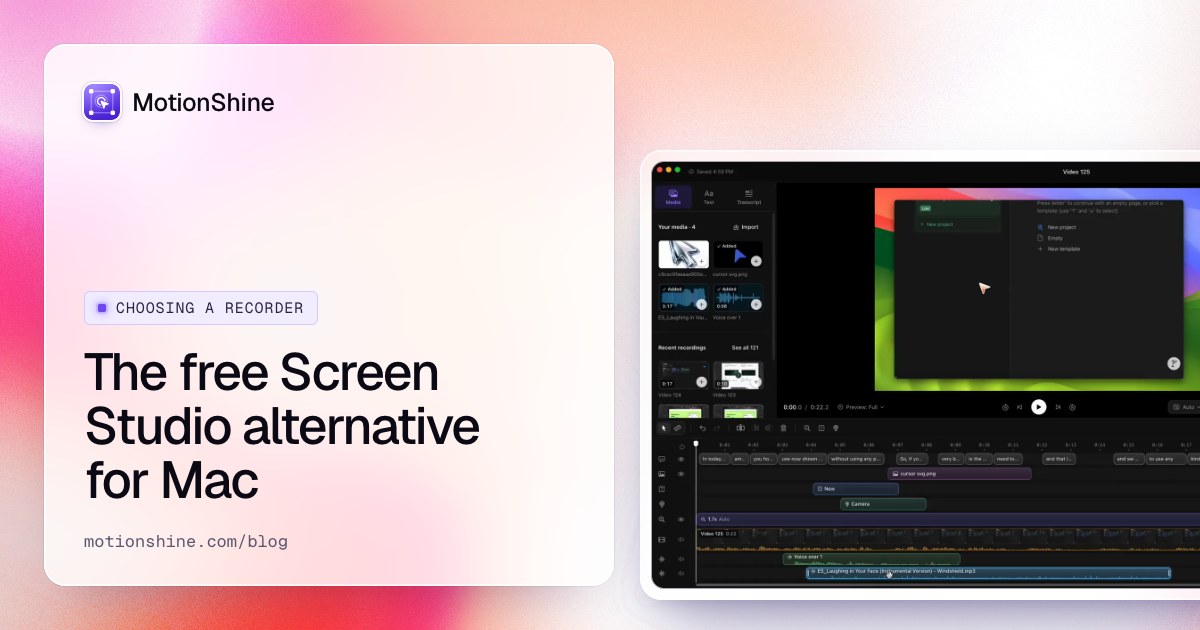
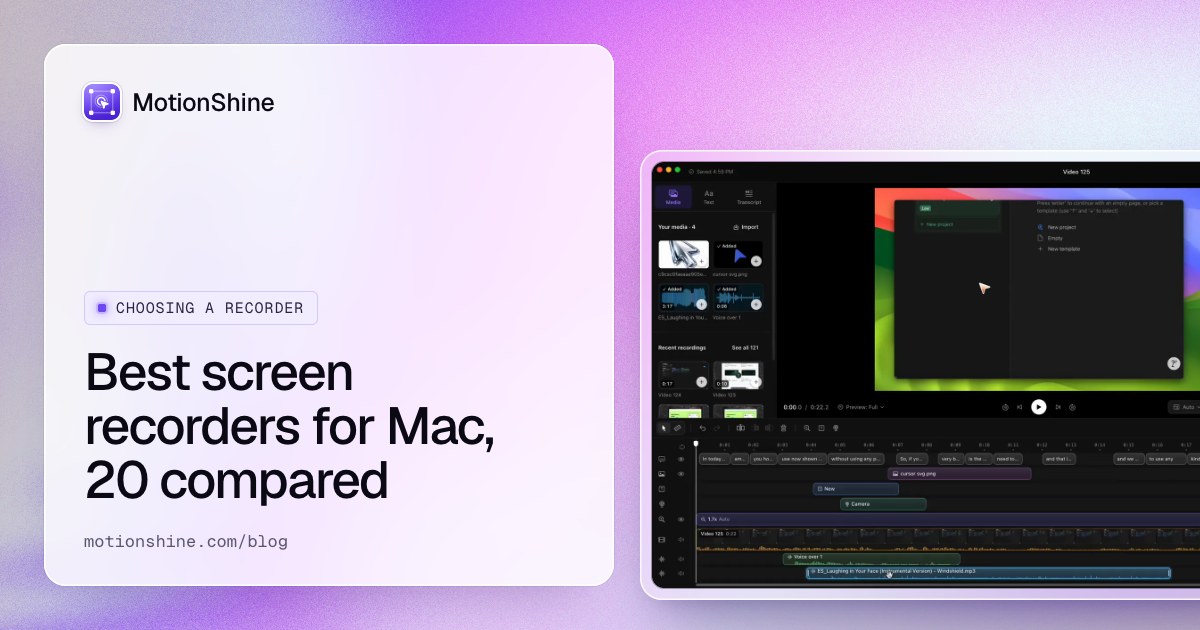
MotionShine is a Mac screen recorder with a full editor, built for the second job above: videos that people watch later. Every click you make becomes a zoom, so the editor opens with the zooms and a smooth cursor already in place. Add click effects and motion blur, put the recording on a background, change any zoom on the timeline, then export an MP4 or GIF.
Against Loom's free plan, the differences are simple:
- No 5 minute limit and no 25 video cap. Record as long and as often as you like.
- No watermark, on the free version too.
- Trim, cut and edit for free. Loom puts trimming on the $18 plan.
- Your files stay on your Mac. Nothing uploads unless you upload it.
- A real editor: text, pictures and logos on the video, music on separate lanes, a cursor you design, and captions made on your Mac in more than 40 languages.
It records your camera with the screen, so the Loom style camera bubble is there if you want it, and it records system audio and your microphone (how to screen record on a Mac with audio explains the difference).
The free version's only limit is export size: up to 720p at 30 fps, the same resolution as Loom's free plan. A one-time licence unlocks 1080p, 1440p, 4K and 60 fps. During launch Pro is $49 once (then $79), and Pro Forever, with lifetime updates on 3 Macs, is $99 once (then $149). There is no subscription.
Good for: anyone on a Mac who makes demos, tutorials or walkthroughs and sends them as files or uploads them to YouTube, Drive or a course.
Weak point: no share links. You export a file and put it where you want. Mac only (macOS 13 or later).
2. Cap: open source, with Loom style links
Cap is an open source recorder for Mac, Windows and Linux, and its own homepage calls it the open source alternative to Loom. It has two modes. Instant Mode uploads and gives you a share link, with comments on the link, and the free plan allows links up to 5 minutes. Studio Mode records locally with auto zoom, a smooth cursor, click effects, motion blur and backgrounds, and its editor has text and music lanes.
The free plan is for personal use only. Commercial use needs a Desktop licence at $29 a year or $58 once, and Cap Pro, for hosted sharing, is $8.16 a month billed yearly or $12 monthly. Cap also has a Loom importer that pulls your existing Loom videos across from a share link or a CSV of your library.
Good for: people who want the record and link workflow for free, on Windows or Linux too, or who want to self host.
Weak point: free links stop at 5 minutes, the same cap as Loom, and work use is paid.
3. Tella: the closest paid replacement
Tella records on Mac, Windows and in Chrome, hosts the video, gives you a link with viewer analytics, and makes the result look polished: auto zoom, a smooth cursor, click effects, motion blur, layouts that switch between camera and screen, and captions. Its Tella Transfer app moves a whole Loom library across.
There is no free plan. You get a 7-day trial, then Pro is $13 per user a month billed yearly ($156 a year), or $26 month to month. Premium, with custom branding and 60 fps export, is $19 a month yearly.
Good for: founders and teams who like Loom's link workflow and want the videos to look better.
Weak point: it costs almost as much as Loom, per person, every month.
4. ScreenRec: free share links with no time limit
ScreenRec is the honest answer when the question is "free Loom links without the 5 minute cap". Its Free Forever plan has unlimited recording length, no watermark, screen, camera and audio recording, 2 GB of cloud storage, and a share link after each recording. It runs on Mac (Apple silicon and Intel), Windows and Linux.
The catches are in the plan details: recording quality tops out at 720p, and the free plan is for personal use only. Pro, at $8.32 a month billed yearly, allows business use and 1080p. There is no auto zoom or editing: what you record is what you share.
Good for: quick clips for friends, family or your own notes, where a link matters and polish does not.
Weak point: 720p, no editor, and work use needs the paid plan.
5. Screen Studio: the most cinematic, for a subscription
Screen Studio is the app people mean when they say "those smooth zooming demo videos". Auto zoom, cursor smoothing, motion blur, backgrounds, device frames, captions and share links, all on a Mac. The result looks like a launch video.
It does not have a free plan: without a subscription you can try every feature but you cannot export. Plans are $29 a month or $9 a month billed yearly ($108 a year), and one-time licences are no longer sold to new buyers. It is Mac only. If you want this look without the monthly bill, see our free Screen Studio alternative guide.
Good for: marketing demos where every pixel matters and the budget allows a subscription.
Weak point: no free export, and the editor has one music track and no text or pictures.
6. CleanShot X: screenshots and short clips from one hotkey
CleanShot X is first a screenshot app, and a very good one, with recording built in. Version 5.0 added a video editor with zooms that follow the cursor, and the app records your camera and system audio without a driver. Share links come through CleanShot Cloud: Basic includes 1 GB, and unlimited cloud needs the Pro subscription.
Basic is $35 once with a year of updates (optional renewal $19 a year). Pro is $10 per user a month billed yearly. There is no trial, but there is a 30-day refund. Mac only, macOS 13 or later.
Good for: people who already want a screenshot tool and record short clips now and then.
Weak point: the editor is light, and unlimited links cost a subscription.
7. ScreenPal: cheap, with a 15 minute free limit
ScreenPal is a budget recorder with hosting, an editor with text, music and captions, and quizzes for training videos. The free plan allows 15 minutes per recording, three times Loom's limit, but it cannot record system audio. Deluxe is $4 a month and Max is $10 a month, billed yearly, and system audio on Mac needs a capture filter install. It runs on Mac, Windows, Chromebook and phones.
Good for: teachers and small teams who need hosting and quizzes at a low price.
Weak point: no system audio for free, and no auto zoom or cursor smoothing.
8. Descript: edit the video by editing the words
Descript records your screen and camera, transcribes it, and lets you cut the video by deleting words in the transcript. Filler word removal, Studio Sound audio cleanup and captions are built in, and the timeline supports up to 14 tracks. It runs on Mac (macOS 14 or later), Windows 11 and the web.
The free plan has a watermark, 720p export and 60 media minutes a month. Hobbyist is $16 a month billed yearly (or $24 monthly) and Creator is $24 yearly. Zoom is manual: there is a click circle but no auto zoom.
Good for: people who talk a lot in their videos and want to cut the ums fast.
Weak point: a heavier app than a quick recorder, and the free tier is small.
9. The built-in Mac recorder: free, but plain
Press Shift-Command-5 and your Mac records the screen for free, with no time limit and no watermark, and QuickTime can trim and split the result. It is the fair first thing to try when all you need is a plain recording. To stop it, press Control-Command-Esc or click Stop in the menu bar; every way to stop a Mac screen recording is in its own post.
What it does not do: zoom on clicks, smooth the cursor, put your camera on the screen as a bubble, or give you a link. It records system audio only on macOS 27 Golden Gate or later; on older versions you get the microphone only.
Good for: a one-off plain recording with nothing to install.
Weak point: raw footage, no camera bubble, no share link, and no system audio on most Macs today.
10. OBS Studio: free and powerful, but not a Loom
OBS Studio is free, open source, and the standard for live streaming. It records your screen, camera and several audio sources at once, for as long as you like, and it captures system audio on macOS 13 and later with OBS 30 or newer.
It is not built for async video. There is no zoom, no cursor smoothing, no editor after recording and no share link. Expect to spend your first hour setting up scenes.
Good for: streaming, gaming and long recordings where polish does not matter.
Weak point: a steep start, and you still need a second app to edit.
Loom's free plan against the free alternatives
The limits that push people off Loom, side by side. "Personal" means the free plan is for personal use only.
| Time limit per video | Video cap | Max quality | Watermark | Editor for free | Share link for free | |
|---|---|---|---|---|---|---|
| Loom Starter | 5 min | 25 | 720p | Loom branding on the page | No trim | Yes |
| MotionShine | None | None | 720p at 30 fps | No | Yes, full | No |
| Cap (free) | 5 min on links, none locally | None found | 4K locally | No | Studio Mode, personal | Yes, 5 min |
| ScreenRec (free) | None | 2 GB of storage | 720p | No | No | Yes, personal |
| ScreenPal (free) | 15 min | Not stated | Not stated | No | Basic | Yes |
| Descript (free) | 60 media minutes a month | By minutes | 720p | Yes | Yes | Yes |
| Built-in Mac recorder | None | None | Your screen's | No | Trim and split | No |
| OBS Studio | None | None | Your screen's | No | No | No |
What two years costs
Loom is paid per person every month. Here is one seat for two years, using yearly billing where there is a choice, next to the alternatives. One-time prices are paid once.
| App | Two years, one person |
|---|---|
| Loom Business | $360 |
| Loom Business + AI | $480 |
| Tella Pro | $312 |
| Screen Studio | $216 |
| Cap Pro | $195.84 |
| ScreenRec Pro | $199.68 |
| Descript Hobbyist | $384 |
| CleanShot X Basic | $35, plus $19 for the second year of updates if you want it |
| MotionShine Pro | $49 once at launch (then $79), or $0 at 720p |
| Built-in recorder, OBS | $0 |
Before you switch: get your videos out of Loom
Two things to know before you cancel.
- Downloading needs the Business plan. Loom's pricing table lists "Upload and download videos" from Business up, not on Starter. If you are on the free plan and want your old videos as files, you will need a paid month, or one of the importers below.
- Cap and Tella import from Loom. Cap's importer takes a share link or a CSV of your library. Tella Transfer is a free Mac and Windows app that signs in to your Loom account and exports the library as MP4 files or straight into Tella. If you are moving to MotionShine, exporting MP4s through either tool gives you files you can open and re-edit in MotionShine.
Keep your old Loom links alive for a few weeks after the move. Links in old Slack threads and docs still point at them.
How to replace Loom with MotionShine on a Mac
- Download MotionShine with your email. The free licence key arrives in the same email.
- Open it from Applications, paste the key, and allow Screen Recording, Camera and Microphone when macOS asks.
- Record the whole display, one window or an area, with your camera if you want the bubble. Click where you want attention: every click becomes a zoom.
- The editor opens with the zooms and smooth cursor in place. Trim, add text or a logo, pick a background, then export MP4.
- Share the file where your team already is: drop it in Slack, Google Drive, Notion or YouTube. Drive and YouTube give you a link just like Loom did, and the file stays yours.
The docs walk through each step with pictures.
Keep Loom if
Being honest cuts both ways. Stay on Loom if:
- Your whole team lives on share links with comments and viewer stats, and someone else pays for the seats.
- You are deep in Jira and Confluence, where Loom videos embed natively.
- You record on Windows and Mac and want one tool across both.
Loom is a good tool for a quick "watch this" message. It is just an expensive way to make videos that are supposed to look good.
Which one should you pick?
- You make demos or tutorials on a Mac and want it free: MotionShine.
- You want free share links and do not mind 5 minutes: Cap. For longer free links at 720p, ScreenRec.
- You want Loom's workflow with polish and will pay: Tella.
- You want the most cinematic result and will pay monthly: Screen Studio.
- You already want a screenshot app: CleanShot X.
- You teach: ScreenPal.
- You edit by transcript: Descript.
- You need nothing fancy: Shift-Command-5.
For a wider comparison of 20 Mac recorders, see the best screen recorders for Mac.
Questions
Is there a free Loom alternative with no time limit?
Yes. MotionShine records with no time limit and no video cap on a Mac, with a full editor, and exports up to 720p for free. ScreenRec gives you free share links with unlimited length at 720p for personal use. OBS and the built-in Mac recorder have no limits but no polish.
What is the best free Loom alternative for Mac?
For videos people watch later, MotionShine, because the result looks edited without editing and nothing is capped. For the share link workflow, Cap (links up to 5 minutes) or ScreenRec (no length limit, 720p).
Does Loom work on a Mac?
Yes. Loom has a Mac desktop app and a Chrome extension, and it records system audio on every plan. The limits are in the plan, not the Mac: 5 minutes, 25 videos and 720p on the free Starter plan.
Can I download my Loom videos on the free plan?
Loom's pricing table lists "Upload and download videos" on the Business plan and up. Cap's Loom importer and Tella's Transfer app can export a library to MP4.
Is Cap better than Loom?
For a personal, free, open source recorder with links, Cap gives you more: local 4K recording, auto zoom and an editor. Loom's free plan still has more polish on the sharing page and comments. For work use, Cap is paid too.
Does MotionShine have share links?
No. MotionShine exports an MP4 or GIF that you put in Drive, Slack, Notion or YouTube. That is the trade for having no upload, no cap and no watermark.