A timeline you already know
Split, speed, blade, snapping and undo, with CapCut shortcuts.
Screen recorder for Mac
Record your screen. MotionShine zooms to your clicks, smooths your cursor and frames it on a background. Then a real editor lets you finish the video without leaving the app.
Before and after
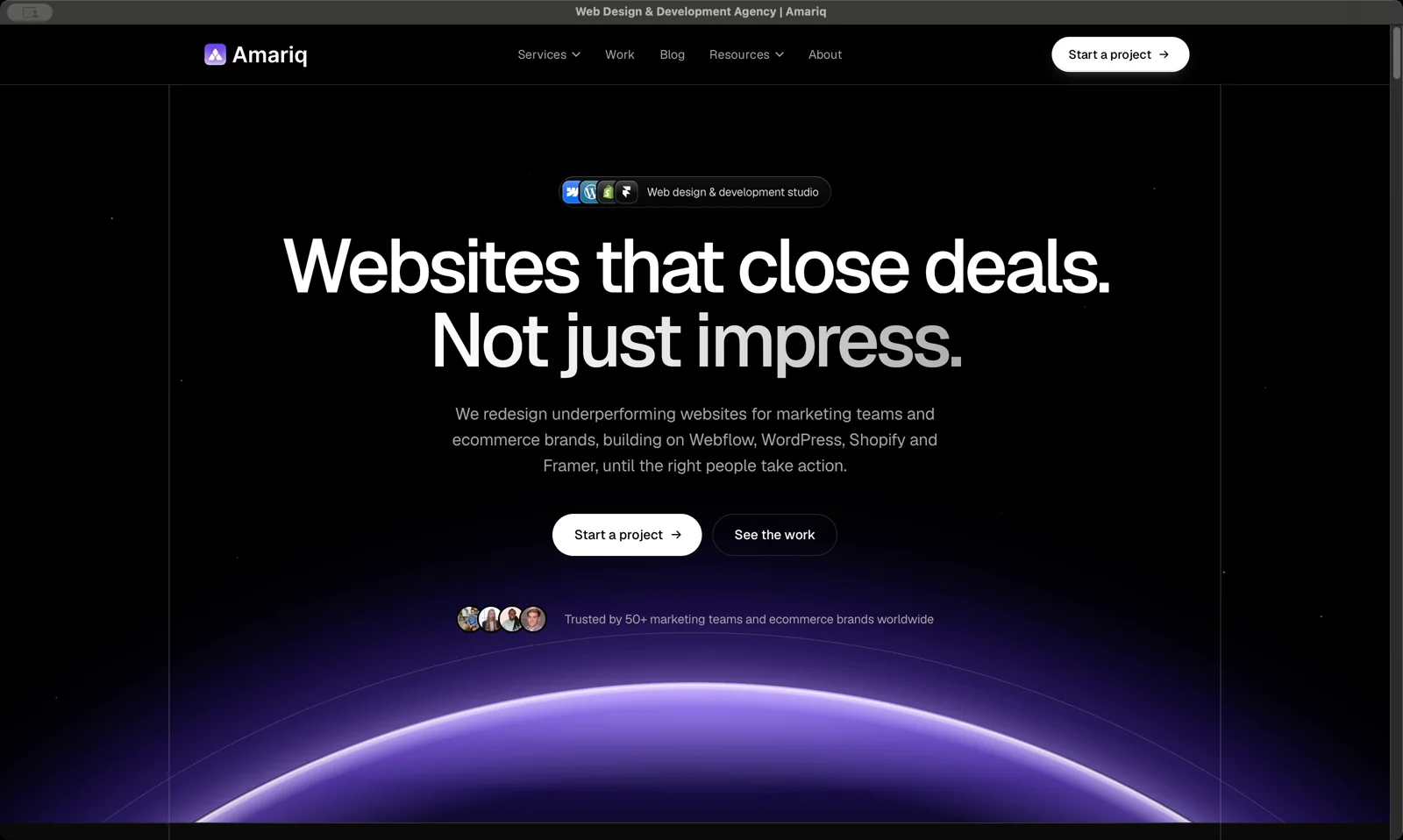
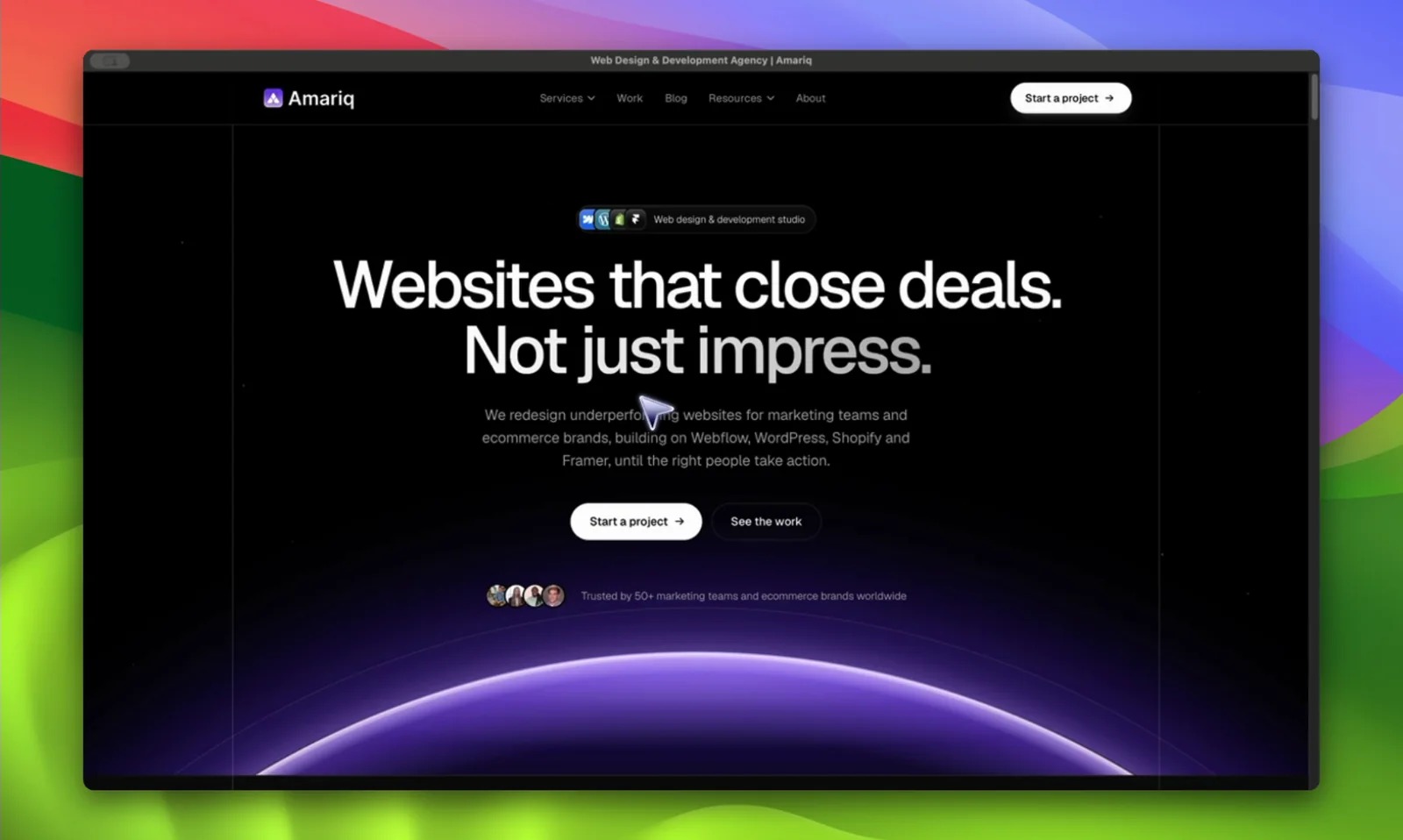
Drag the handle. On the left, a plain screen capture. On the right, the same take after MotionShine.
Free, for real
Use MotionShine as much as you like. Record as many videos as you want, use every feature, and export without limits or watermarks. You only pay if you want bigger exports: 1080p, 1440p, 4K or 60 fps.
∞
Recordings, no limit
∞
Exports, no limit
0
Watermarks, even when free
720p
Free exports. 4K with a licence
The editor
Most screen recorders stop at trim and zoom. MotionShine gives you a real timeline, and everything stays editable every time you open it.
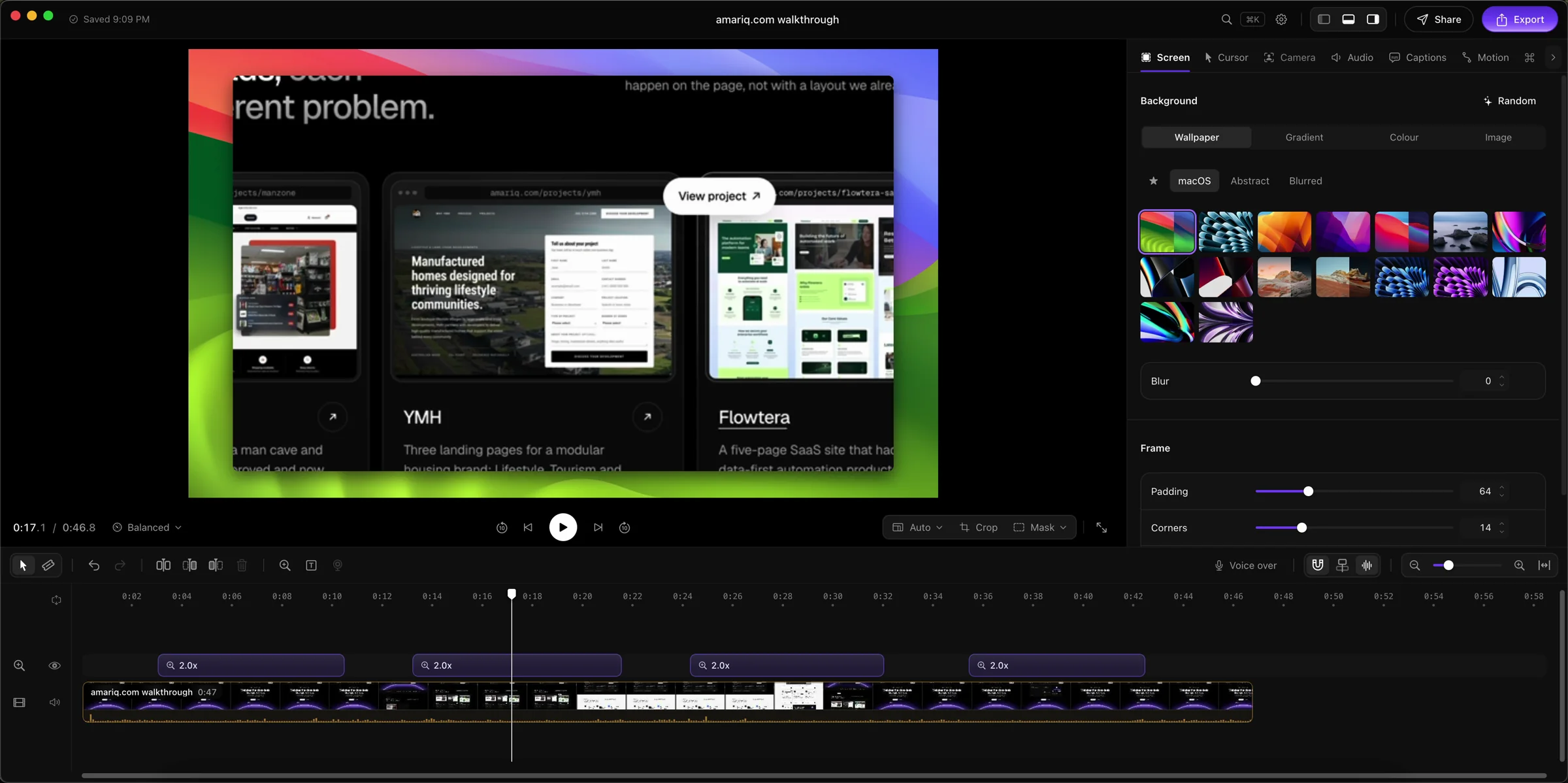
Split, speed, blade, snapping and undo, with CapCut shortcuts.
Any number of songs and sounds, each with its own volume.
Five text styles with in and out animations.
Blur a password, then record your voice on its own track.
Auto zoom and smooth cursor
MotionShine watches your clicks and zooms in on them, framing the button you pressed. Your shaky mouse becomes a smooth glide. Change any zoom on the timeline, or let it do the work.
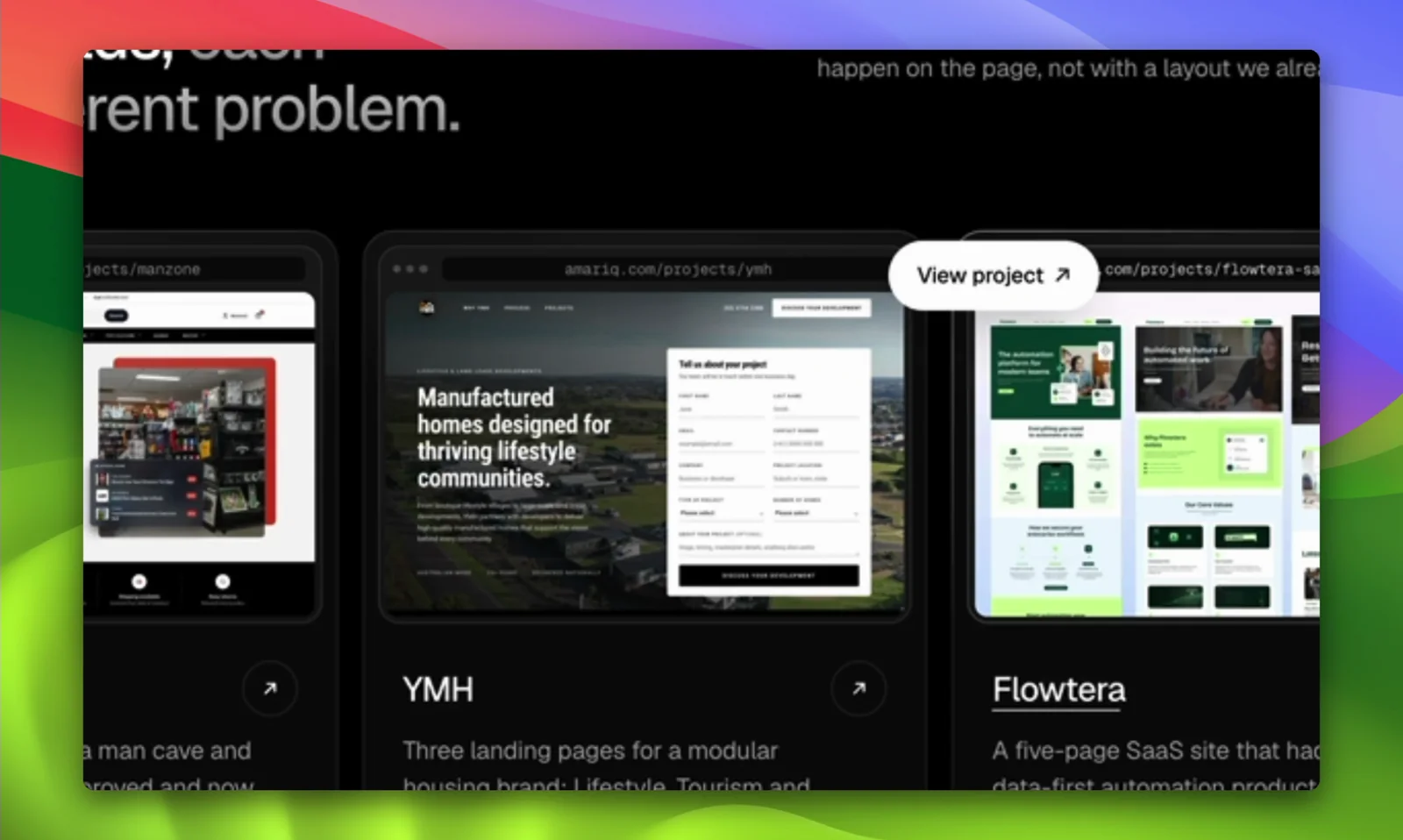
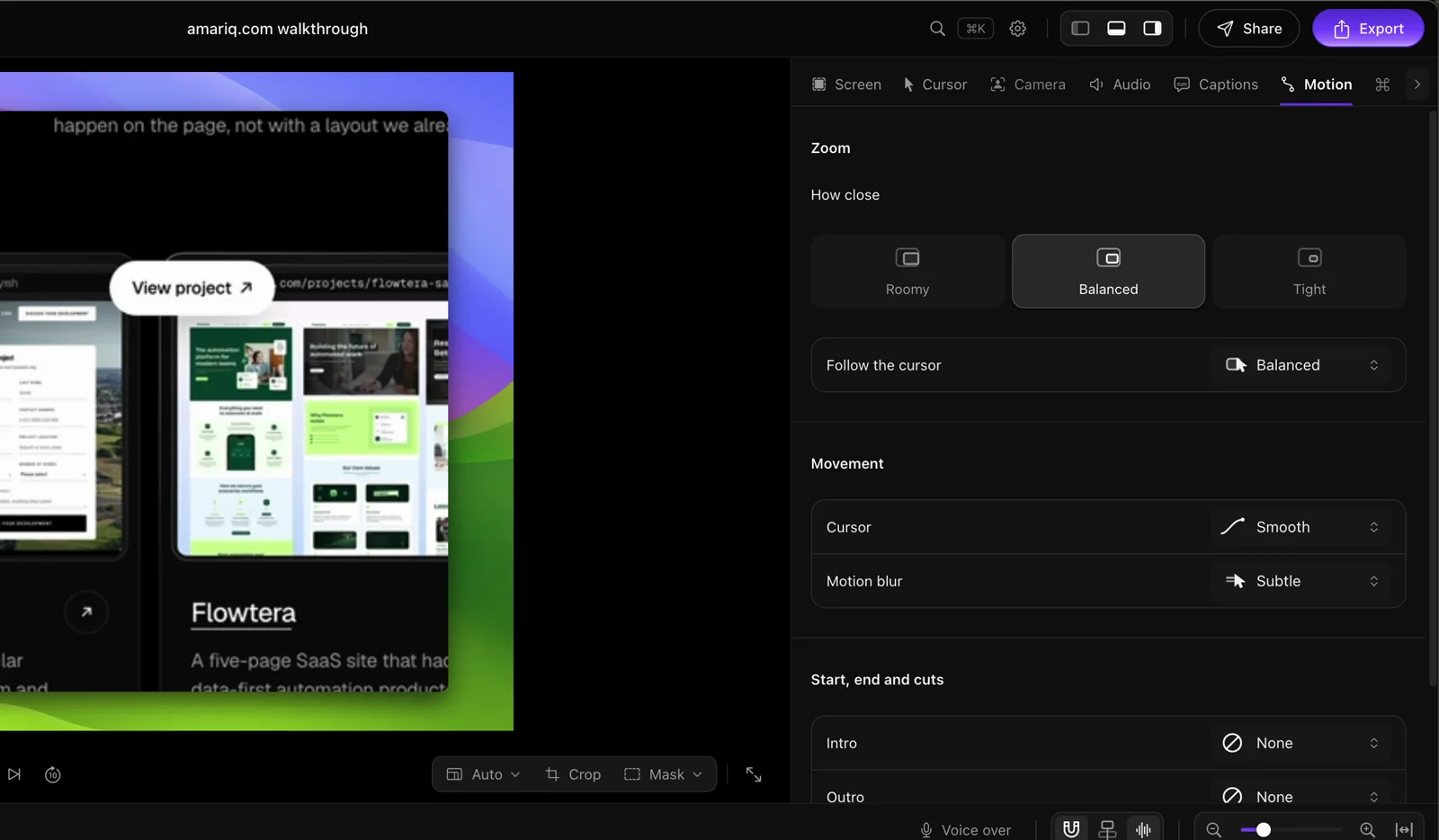
 Auto zoom
Custom cursors
In most recorders the cursor is an afterthought. In MotionShine it is a design tool, and your style carries over to every new recording.
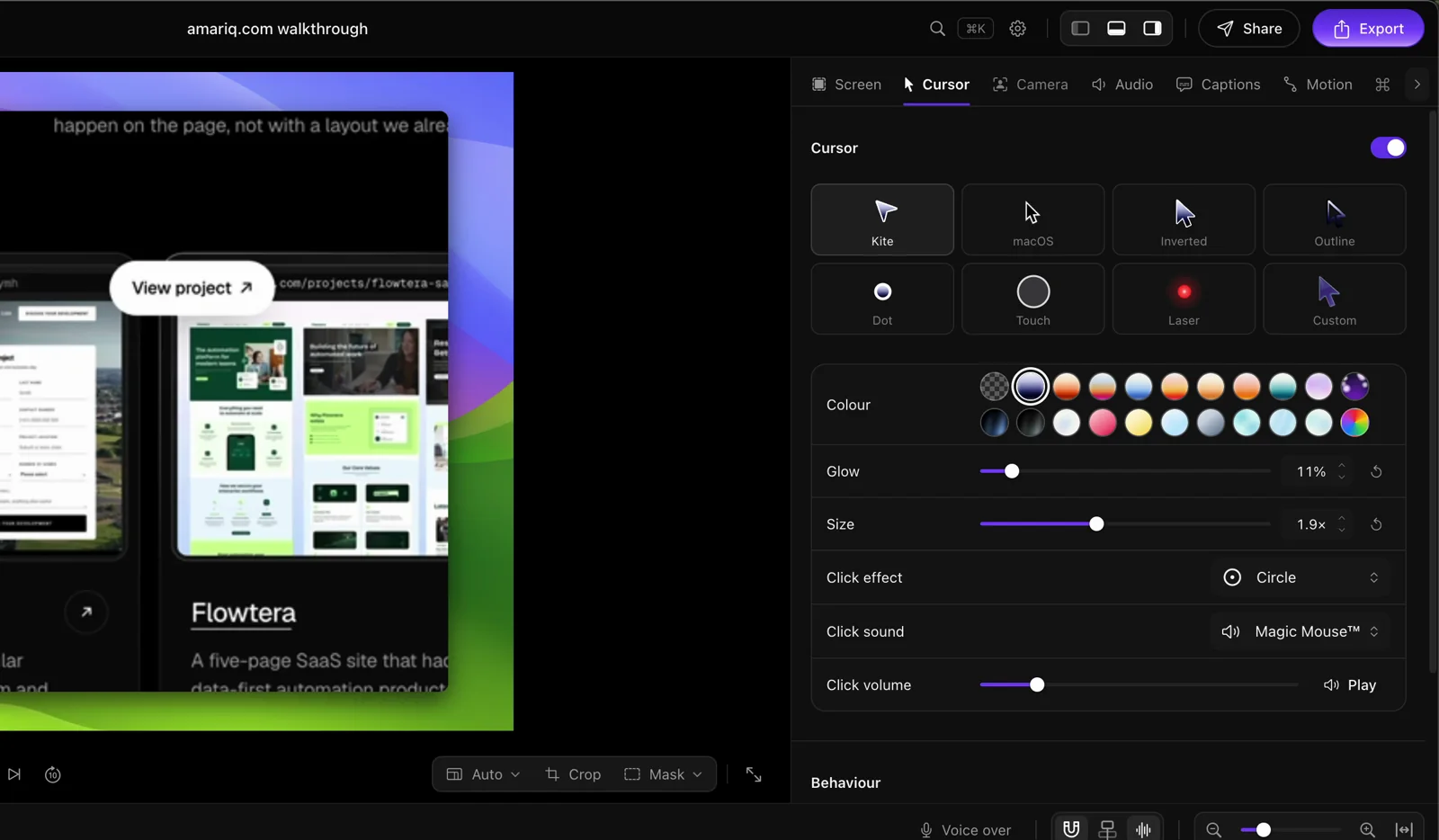
Glow, gradients and 3D cursors: no other screen recorder we checked has them.
Backgrounds
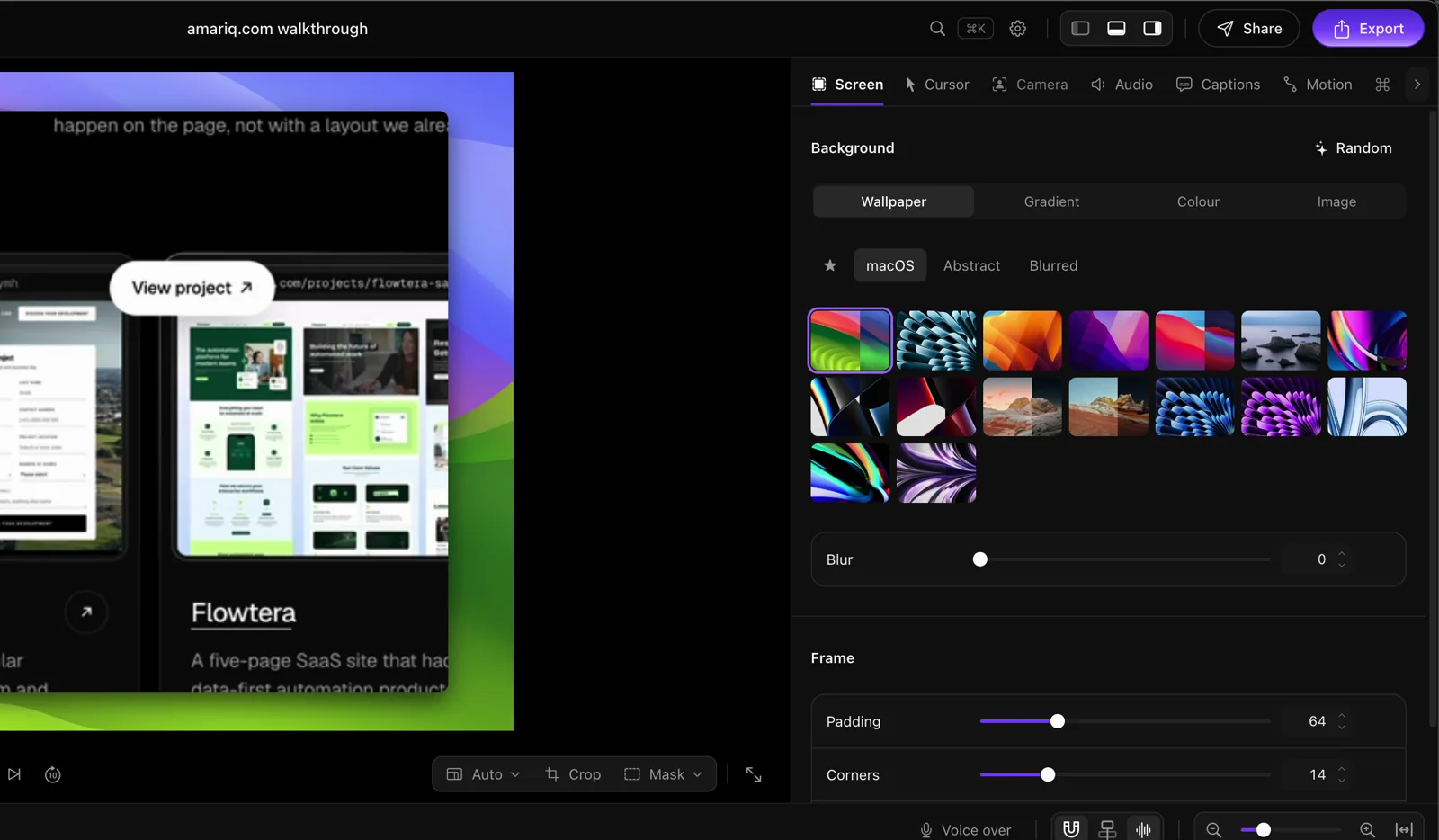
Hand picked gradients, macOS wallpapers, a colour, or your own picture. Build your own gradient like in Figma, with as many colour stops as you like, and save it for every project.
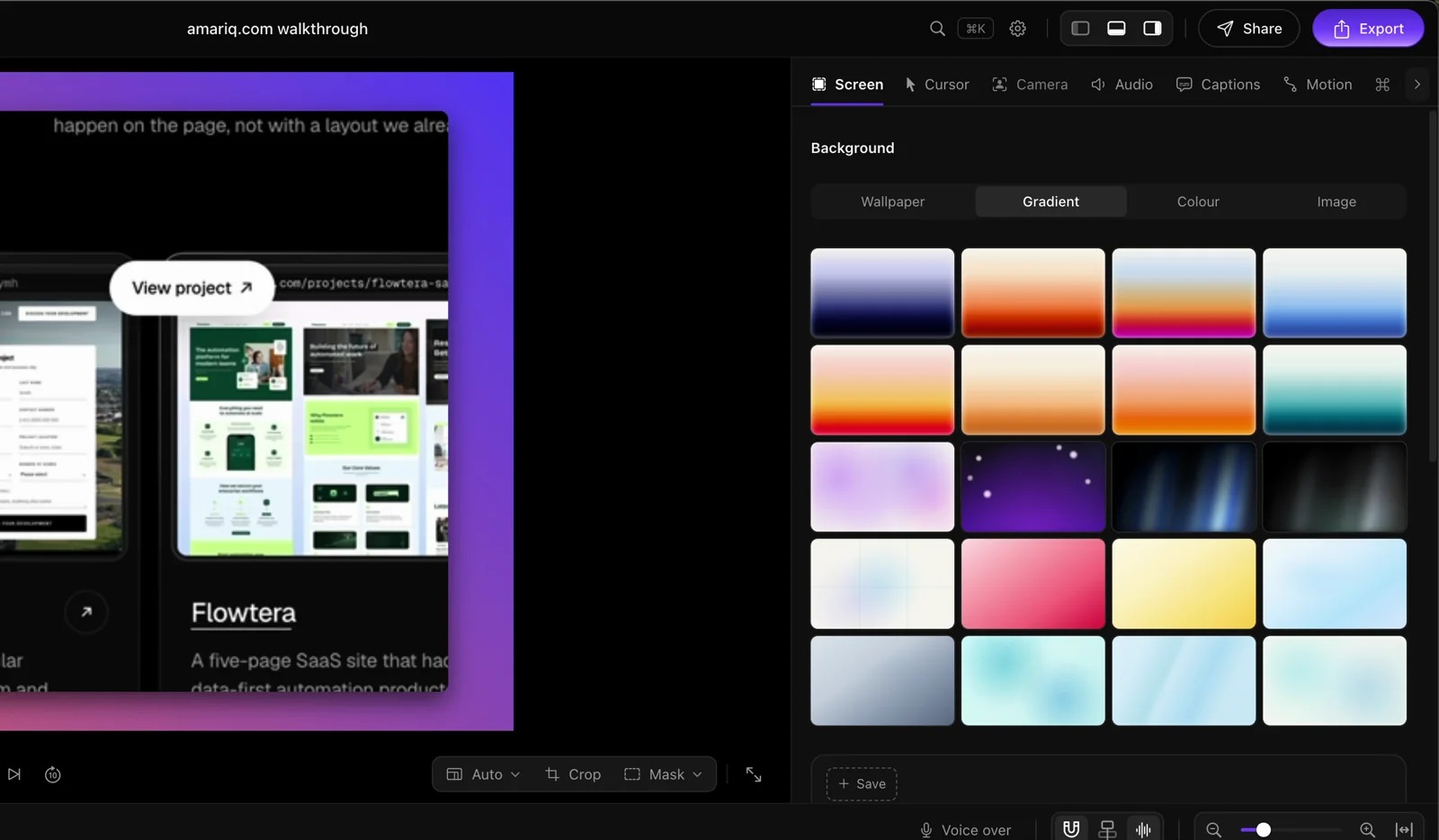
Camera and layouts
Record your webcam with your screen. Pick the bubble’s size, shape and corner, then switch layouts on the timeline. Your face shows up exactly when it should.
Camera, screen, side by side, or screen with camera.
Switch the layout at any moment of the video.
Pick its size, its shape and the corner it sits in.
Captions and clean audio
MotionShine writes captions on your Mac, with no upload, in more than 40 languages. Eight caption styles, word by word entrances, and a .srt file next to your video.
Remove filler words and long pauses in one click.
Improve microphone audio and reduce background noise.
Captions inside the video, or as .srt and .vtt files.
Your library
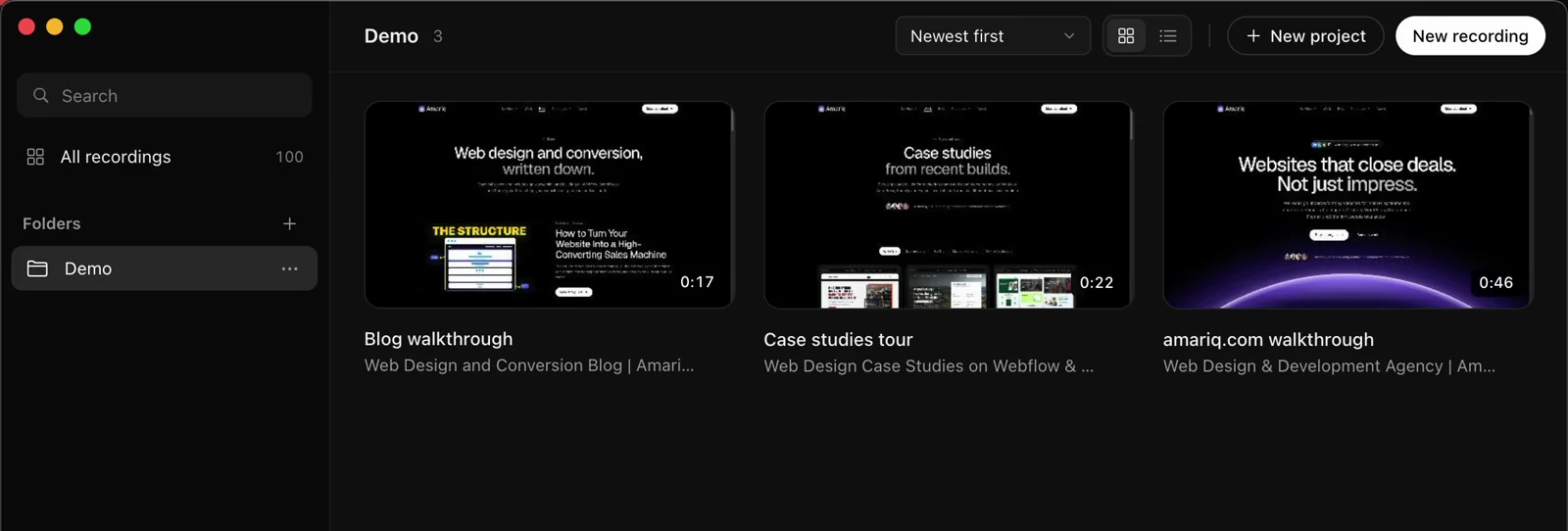
All your recordings live in one library. Open a video from last month and every zoom, caption and cut is right where you left it.
Made for recording
A prompter that scrolls your script while you record, hidden from the video.
The keys you press appear on screen as clean badges.
Recording pauses when a password manager or a banking app comes to the front.
Fix a bad start without opening the editor.
Whole screen, one window, or a box set to 1080p, 9:16 or 1:1.
If something stops, what you recorded is saved.
Formats
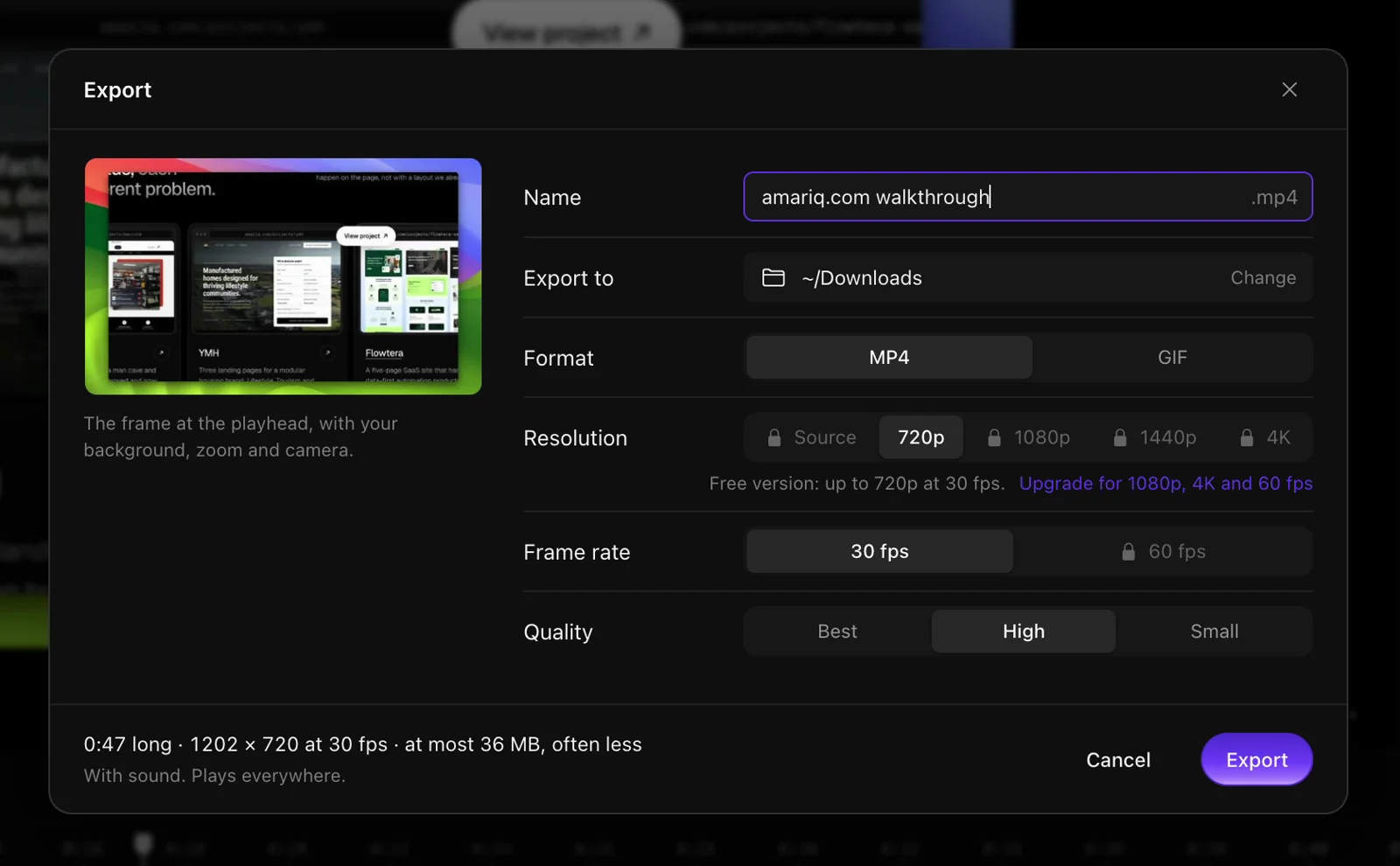
Change the shape after you record. Export MP4 or GIF, keep editing while the export runs in the background, or copy a quick export straight to your clipboard.
Easy to use
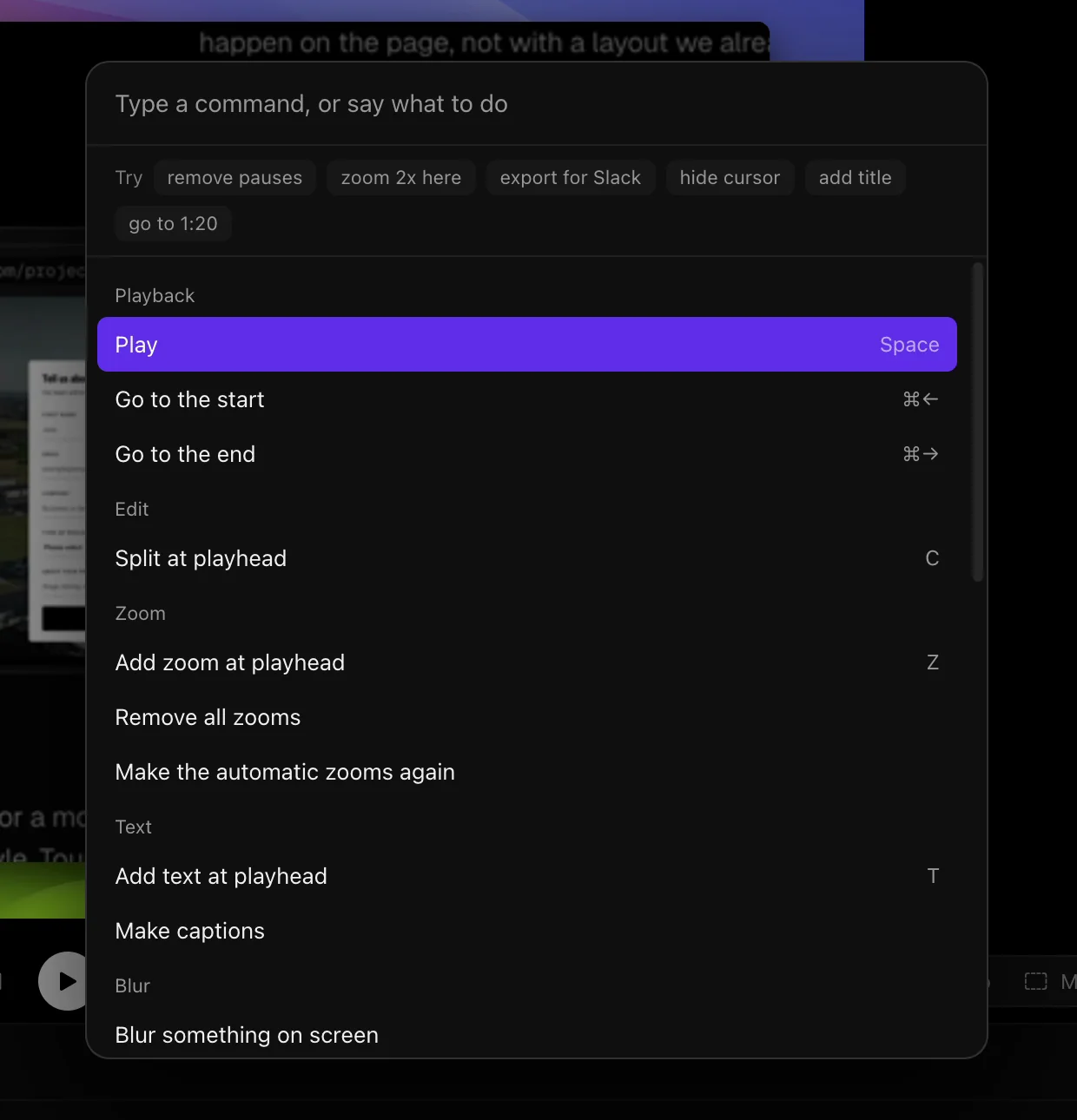
Every control sits where you expect it, every message is in plain words, and nothing you do is lost. You do not need to learn video editing to make a video that looks edited.
Light on your Mac
MotionShine lives in your menu bar and stays out of the way. It is about a quarter the size of Screen Studio on disk, opens long recordings with a light preview copy, and keeps every file on your Mac.
Who it is for
Product demos and investor updates that look like a launch video.
Walk through a prototype with zooms that follow every click.
Tutorials and short clips for YouTube, Reels and TikTok, captions included.
Lessons with clear captions, your face in the corner, and no editing course needed.
Privacy
Recording, editing, captions, voice clean up and export all happen on your Mac. No account needed.
The caption model downloads once, the first time you make captions. Updates are checked only if you allow it.
Compare
Everything you need for a polished screen video: a real editor, an easy interface, unlimited free exports and no subscription.
| MotionShine | Screen Studio | CursorClip | OpenScreen | |
|---|---|---|---|---|
| Price | Free, pay once for 4K | $29 a month, or $9 a month yearly | $70 one time, or $9 a month | Free |
| Free exports, no watermark | Yes, unlimited | No | No | Yes |
| Music on separate lanes | Yes, any number | One track | No | No |
| Cursor gradients, glow, 3D | Yes | No | No | No |
| Still updated | Yes | Yes | Yes | No |
Pricing
Free
$0forever
Licence Launch price
$39$99once
Only 200 of 200 launch seats left. Then $99.
Pay once, no subscription. 3 day refund, no questions asked. Checkout, taxes and your licence key are handled by Polar.
Questions
No. MotionShine is free, and a licence is a one time payment.
Everything, with no time limit: unlimited recordings, unlimited exports and every feature. It is not a trial. The only limit is export size: up to 720p at 30 fps. A licence unlocks 1080p, 1440p, 4K and 60 fps.
No, not even in the free version.
Macs with macOS 13 Ventura or later, both Apple silicon and Intel.
Both make polished recordings with auto zoom and a smooth cursor. MotionShine adds music on its own lanes, animated text, pictures and logos, 3D cursors and cursors made from your own pictures. It is free with unlimited exports, and you pay once only for higher resolution instead of a monthly plan. See the full comparison.
To Movies > MotionShine on your Mac. They never leave it unless you share them.
Yes. Recordings are always kept at full quality, so any project can be exported again at 4K and 60 fps.
Yes. Ask within 3 days of buying and you get your money back, no questions asked. See the refund policy.
Download MotionShine free and make your first polished video in a few minutes.