MotionShine
Short answer: Yes. Loom Starter costs $0. Loom's pricing page, checked on 23 October 2026, lists 25 videos, 5 minute screen recordings and video quality up to 720p on it. Paid plans start at $18 per user a month and remove those limits. For every plan and price, see Loom pricing in 2026.
This post is by the maker of MotionShine, a Loom alternative. Loom's facts come from loom.com/pricing and Loom's support pages.
What you get free on Starter
- 25 videos in total
- 5 minutes per screen recording
- Video quality up to 720p
- Up to 50 members
- Unlimited screenshots, says the pricing page
What you need a paid plan for
Loom's page puts these on Business at $18 per user a month: unlimited videos and recording length, quality up to 4K, removal of Loom branding, video upload and download, password protected videos and custom recording dimensions. AI features such as auto titles and summaries are on Business + AI at $24.
What happens at 25 videos
Loom's Starter FAQ says your existing videos are not deleted. You cannot record more until you delete some or upgrade. Archived videos count towards the 25, says the FAQ. Loom's support pages do not clearly say whether the cap is per person or per workspace, and the pricing page says "per person", so check your account.
When free is enough
Starter works for a few short messages, like a quick explainer for a colleague. It is a poor fit for tutorials, long demos or anything you want to keep in a library of more than 25.
A free option without those limits
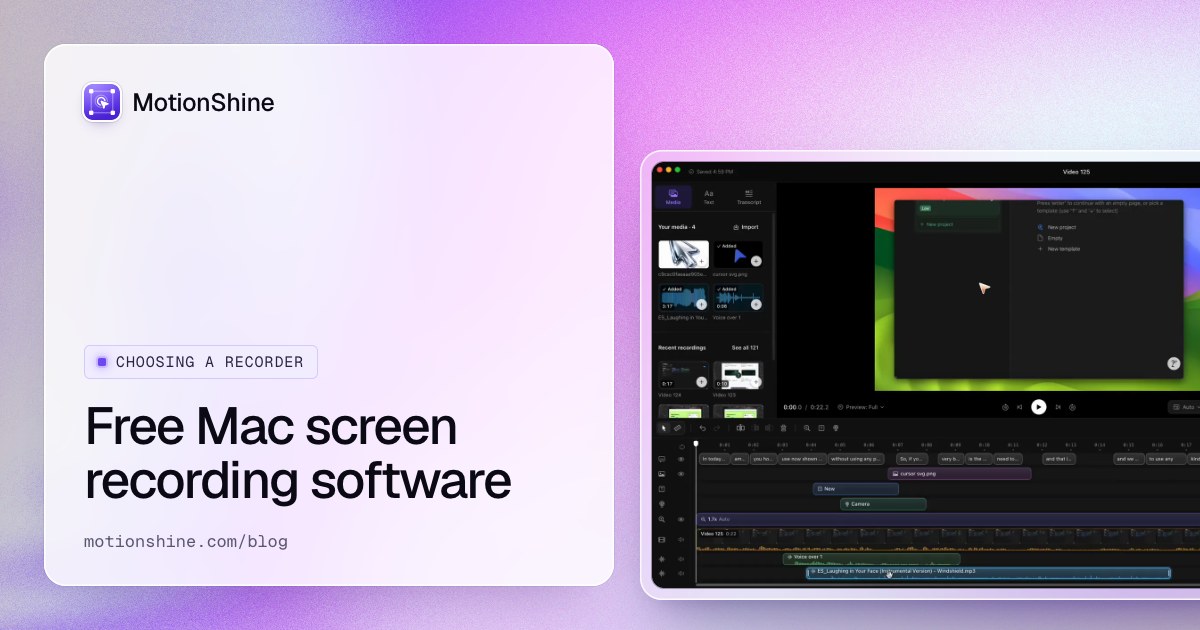
MotionShine is a free Mac screen recorder with auto zoom, a smooth cursor and a full editor. The free version has no time limit and no watermark, and exports up to 720p at 30 fps, the same top resolution as Loom Starter. It is not a Loom replacement if you need share links or viewer comments, because MotionShine does not make links. You export a file and send it. It is Mac only.
More ideas are in 10 best Loom alternatives for Mac.
FAQ
Is Loom free for personal use?
Starter is $0 for anyone. Loom's page does not split personal and business use in the plan table.
Does the free Loom plan have a time limit?
Yes, 5 minutes per screen recording.
Does free Loom add a watermark?
Not found on the pages read. Removal of Loom branding is listed under Business.
Can I download my videos on the free plan?
The pricing page lists video upload and download under Business, so it is not on Starter.