MotionShine
Short answer: For a tutorial, pick the editor that makes small things on screen easy to see. Final Cut Pro is the strongest general editor but costs $299.99 once and does not record your screen. Camtasia and ScreenFlow record and edit in one app. Descript edits by editing text. iMovie is free for simple cuts. MotionShine, by the maker of this site, is a free Mac screen recorder with auto zoom and a full editor, best for screen tutorials.
Prices and features were checked on 24 October 2026 on each maker's own page. Prices change, so check before you buy.
What a tutorial editor needs
- Zoom on the click. Viewers cannot read a full screen on a phone.
- Cursor you can follow. A smooth, visible cursor helps.
- Text and pictures. Titles, step numbers and arrows.
- Voice over and music. Record the voice after the screen, then add quiet music.
- Captions. Many people watch with the sound off.
- Clean cuts. Trim mistakes and dead air.
Six Mac options compared
| App | Price (maker's page) | Free version | Records the screen | Best for |
|---|---|---|---|---|
| iMovie | Apple's iMovie support page gives no price (not found) | See Apple | Not found on the page | Simple cuts of clips you already have |
| Final Cut Pro | $299.99 one time, or $12.99 a month or $129 a year in Apple Creator Studio | 30-day free trial of Creator Studio for new subscribers | Not mentioned on the page | Full control, longer projects |
| Camtasia | Starter $39 a year, Essentials $179.88, Create $249, Pro $599 (yearly) | Trial with limits; Starter exports are watermarked | Yes, in all plans | Recording and editing with captions |
| ScreenFlow | From $199 | Unlicensed version is fully functional with a watermark on exports | Yes: screen, camera, mic, iPhone and iPad | Tutorials with templates and styles |
| Descript | Free; Hobbyist $16 a month yearly ($24 monthly); Creator $24 yearly ($35 monthly) | Free: 60 media minutes a month, 720p, watermark | Not checked | Editing by text, filler words |
| MotionShine | One-time prices; see the download page | Free, up to 720p at 30 fps, no watermark, no time limit | Yes | Screen tutorials with auto zoom |
Sources: apple.com Final Cut Pro page, support.apple.com iMovie page, techsmith.com Camtasia page, telestream.net ScreenFlow overview, descript.com pricing page.
iMovie
Apple's iMovie page says you can create and fine-tune a movie, add video and sound effects, and share. It gives no price and no feature list, so I cannot say more from Apple's page. If you already own a Mac, it is worth opening to see if simple cuts and titles are enough.
Final Cut Pro
Apple lists Final Cut Pro at $299.99 as a one-time purchase, or inside Apple Creator Studio at $12.99 a month or $129 a year. The page lists automatic captions made from spoken audio. It needs macOS 15.6 or later. The page does not mention screen recording, so you record elsewhere and import. It is a good choice if you edit often and want depth. It is more than most tutorials need.
Camtasia
TechSmith's page lists yearly plans: Starter $39, Essentials $179.88, Create $249, Pro $599. Screen recording is in all plans. Starter exports from the editor are watermarked. Text-based editing, filler word removal and captions begin at Essentials. It is a strong all-in-one for tutorials, and it is a subscription.
ScreenFlow
Telestream's page says plans start at $199. The unlicensed version is fully functional with no time limit, and exported movies have a watermark. It records screen, camera and mic, and can record an iPhone or iPad screen. Its page lists styles and templates for repeatable tutorial editing and a caption editor. It is Mac only.
Descript
Descript edits video by editing the transcript. Its pricing page lists Remove Filler Words and Shorten Word Gaps on every plan, limited on Free. The free plan has 60 media minutes a month and a 720p, watermarked local export. It is a good fit for talking tutorials. For a screen tutorial where the pace comes from clicks, it is less direct.
MotionShine
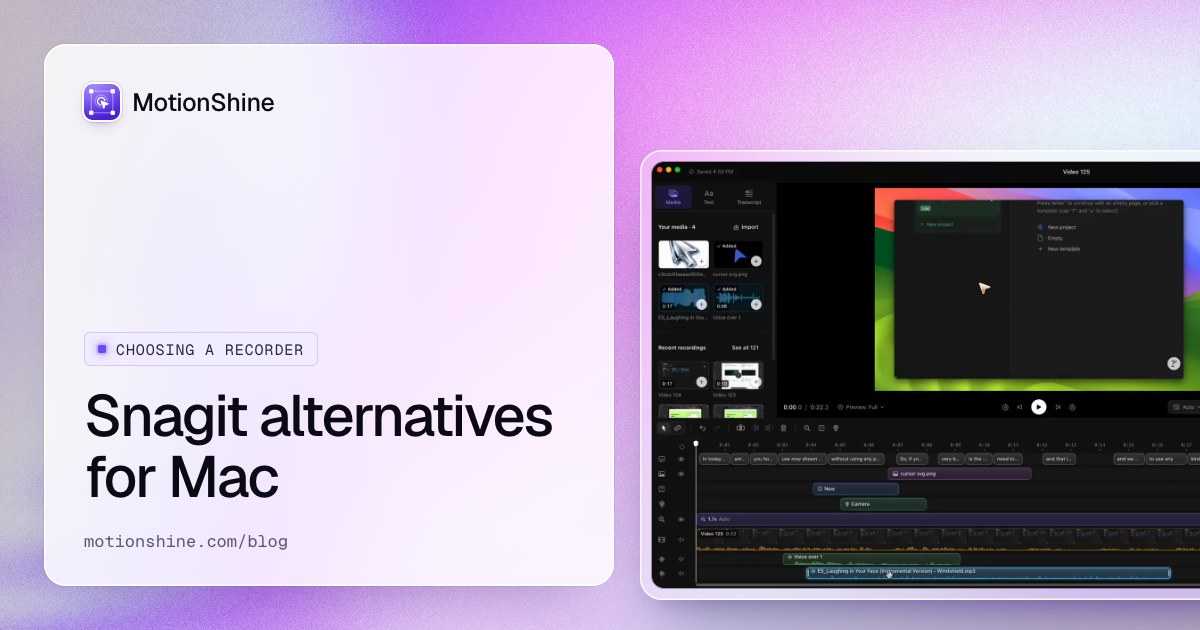
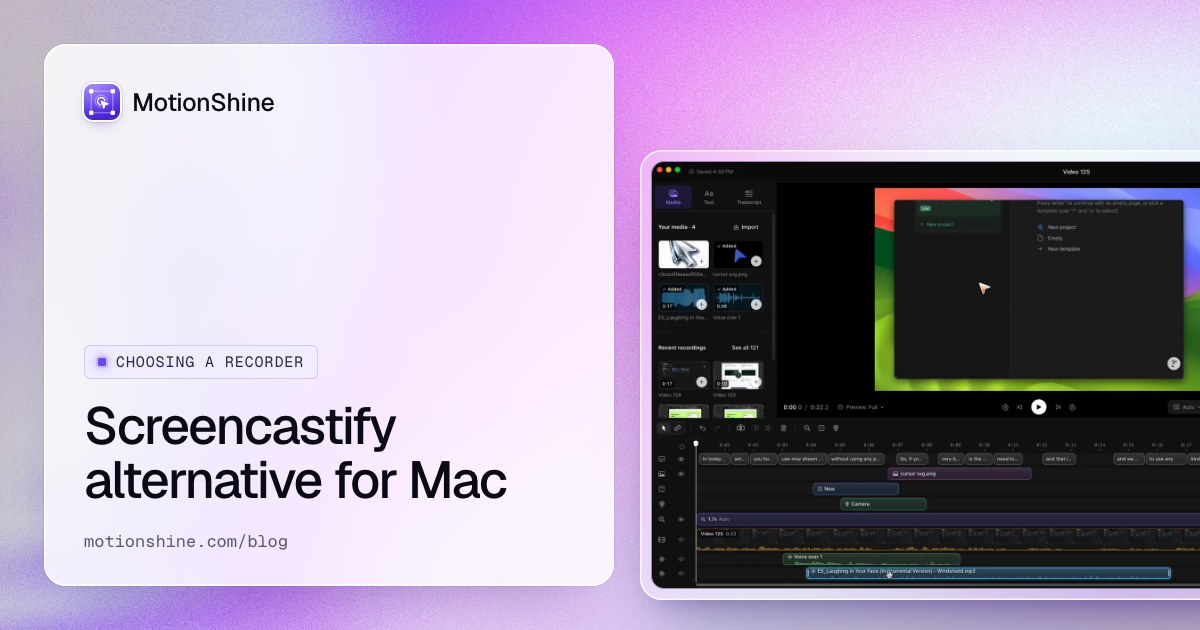
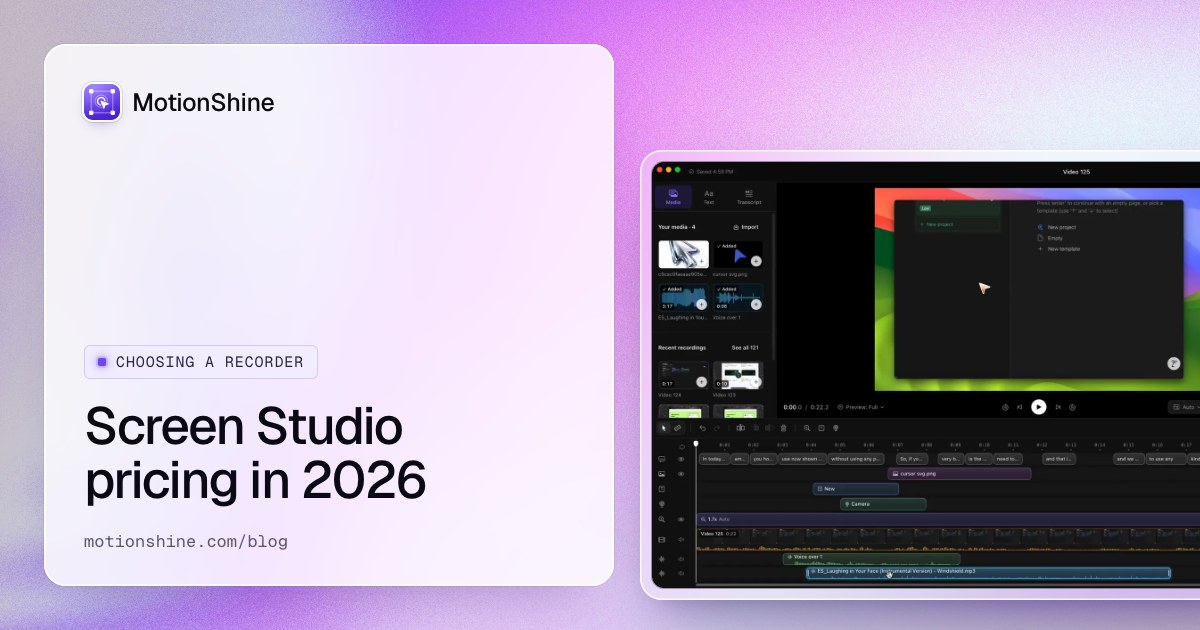
MotionShine is made by the maker of this site. It is a free Mac screen recorder with auto zoom on clicks, a smooth cursor, and you can add click effects and motion blur. The editor has text, pictures, music lanes, voice over and captions that run on your Mac. Free exports go up to 720p at 30 fps with no watermark and no time limit. Pro unlocks 1080p, 1440p, 4K and 60 fps. Prices are one time.
It is not for everyone. It is Mac only. It does not do auto cuts or silence removal, so a talking video with many pauses is better in Descript. If you need a heavy timeline with many layers, Final Cut Pro goes further.
Which should you pick?
- Screen tutorials, want zoom handled for you: MotionShine.
- Record and edit in one app with captions, happy with a yearly plan: Camtasia.
- Already know you want a one-time paid editor with templates: ScreenFlow.
- Your tutorial is mostly you talking: Descript.
- You edit all kinds of video and want the deepest tool: Final Cut Pro.
- Just trim and add a title: iMovie or the free video trimmer.
For a wider list, read the best video editing software for Mac. If you are new to editing, how to edit a video on Mac and video editing tips for screen recordings walk through the steps. Before you edit, a plan helps: use the tutorial video script template.
FAQ
What is the best video editor for tutorials on Mac?
It depends on the video. For screen tutorials, an app with auto zoom saves the most time. For talking tutorials, a text-based editor. For deep control, Final Cut Pro.
Is iMovie good enough for tutorials?
For simple cuts and titles, it can be. Apple's page gives no price or feature list, so check the app itself.
Can I make tutorials without paying?
Yes. MotionShine's free version exports up to 720p with no watermark. Camtasia, ScreenFlow and Descript free versions add a watermark or limits, according to their pages.
Do I need a separate screen recorder?
Not with Camtasia, ScreenFlow or MotionShine, which record. Final Cut Pro's page does not mention recording.
Do these editors remove silences automatically?
Descript and Camtasia (Essentials and above) list filler word or silence tools. MotionShine does not.
How long does it take to learn?
Not found in any maker's page. Start with one short tutorial, as in how to edit a screen recording on Mac.